Today
The day at a glance: the next meeting from the calendar, the hours still to submit, the timer.
 Product · Dynamics 365 Project Operations
bottega brings Dynamics 365 Project Operations into everyday work, with a simple interface in Italian and English: in the browser, as an installable app and inside Microsoft Teams. It adds an AI assistant for documents and meetings, and an MCP server for coding agents.
A project by Giacomo Reggianini · 2026
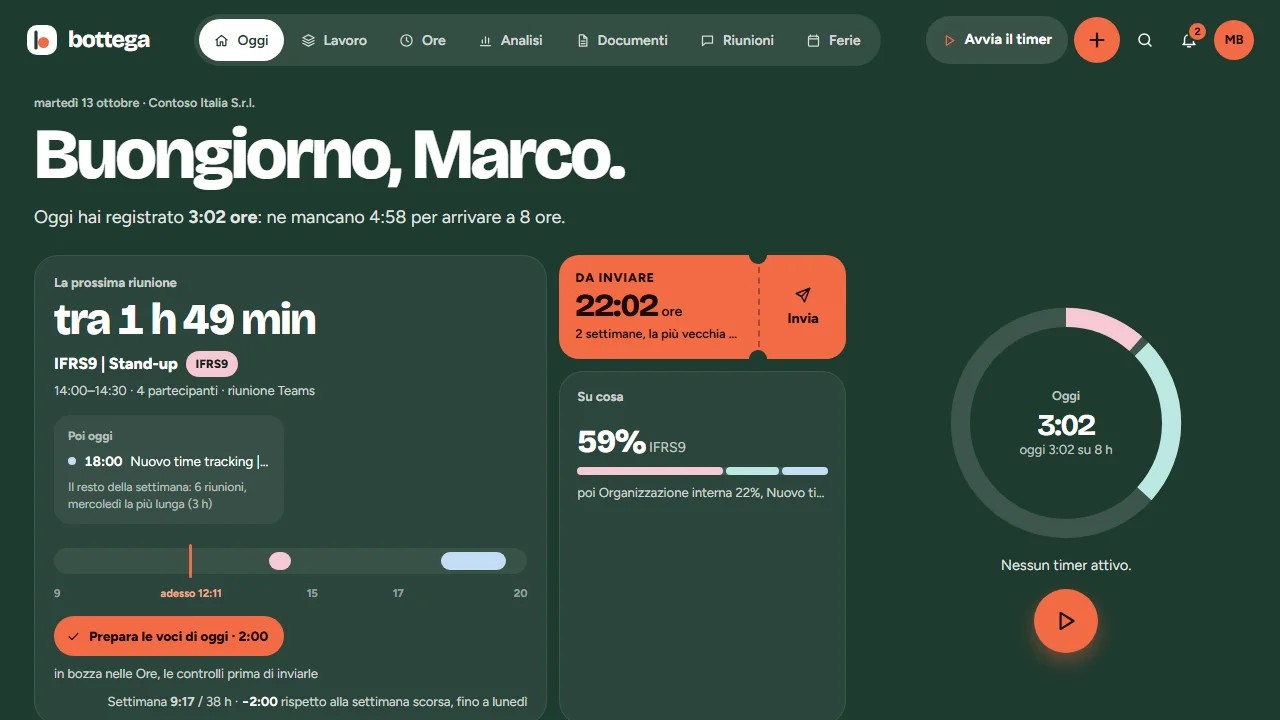
People working on Dynamics 365 Project Operations spend the day between hours to log, tasks to update, reports to send and meetings to turn into work. bottega puts all of it in a single app, made for everyday use.
There is no parallel database: projects, tasks, resources and hours live in Dataverse and Project Operations, and the official hours are Project Operations time entries, written with the identity of whoever logs them. bottega only adds its own tables: the timer state, the areas, the sprints.
It installs in your own Azure, with Microsoft sign-in: the data never leaves your tenant.
The day at a glance: the next meeting from the calendar, the hours still to submit, the timer.
Timer or manual entry on Project Operations projects and tasks, the whole week, submit and recall.
Project managers approve or send back the hours on their projects, with everyone's permissions.
Areas, projects, tasks and subtasks, backlog, sprints and board, in step with Project Operations. Every area has its GitHub repository and the context for the assistant.
Time reports and quotes in Word on the company template: bottega computes the numbers, the AI assistant drafts the text and a person reviews it. The Archive keeps every version.
From the transcript, pasted, attached or taken from Teams: the minutes for the client, the tasks to create with their estimates and, when needed, the draft quote.
The team's leave, permits and closures, in step with the Outlook calendar and Teams Shifts.
Summary and detail of the hours, with filters and export; the report and the timesheets print to PDF as the company's A4 sheets.
An MCP server for coding agents, and Claude in the cloud: an agent that works for you without opening anything, even from your phone.
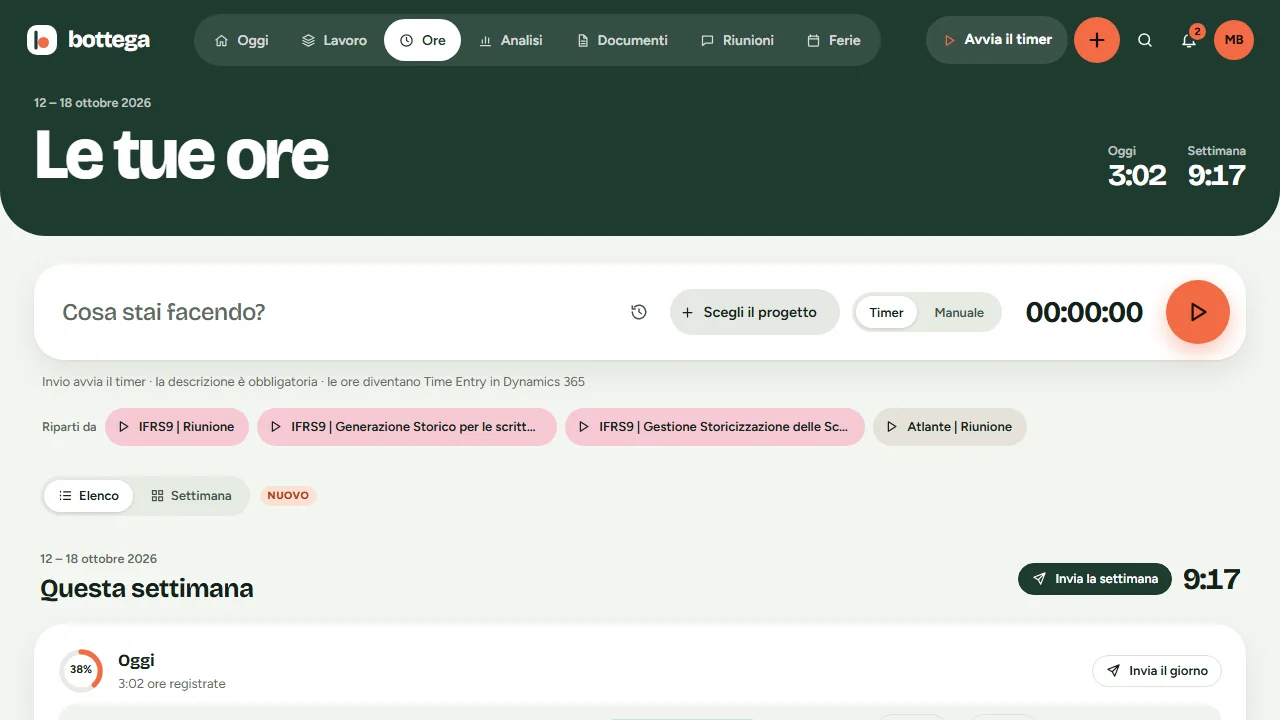
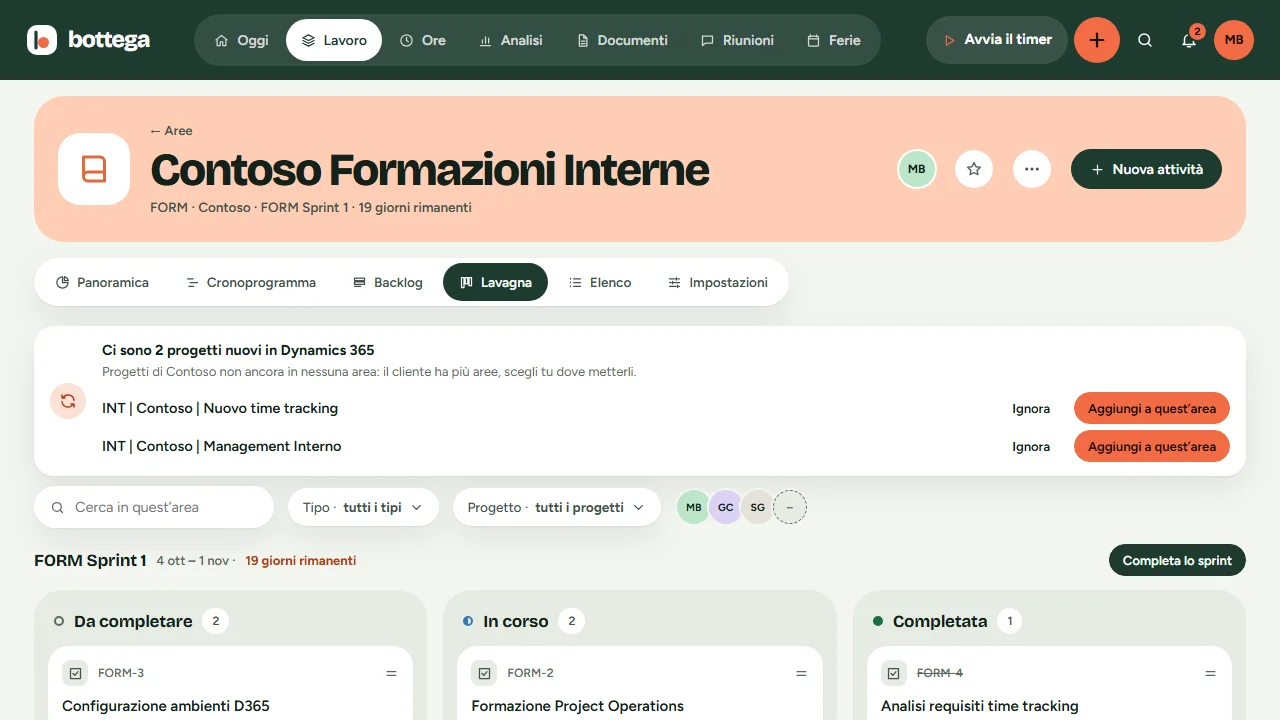
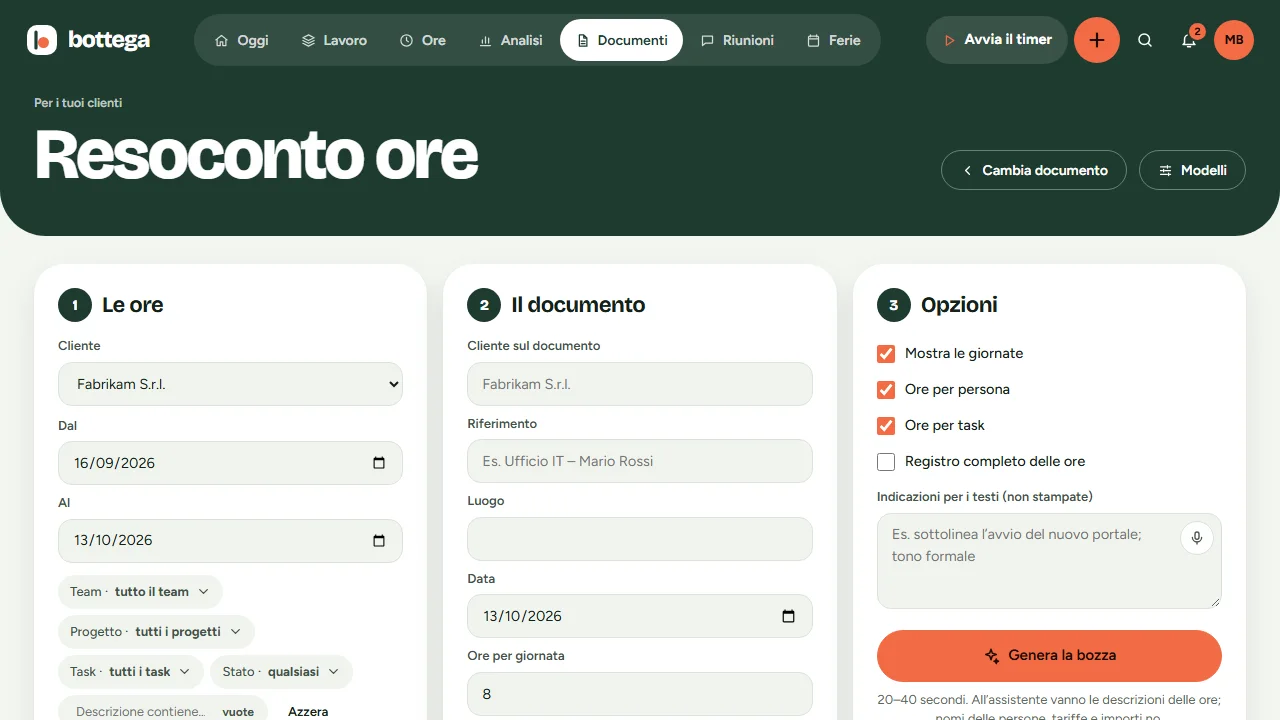
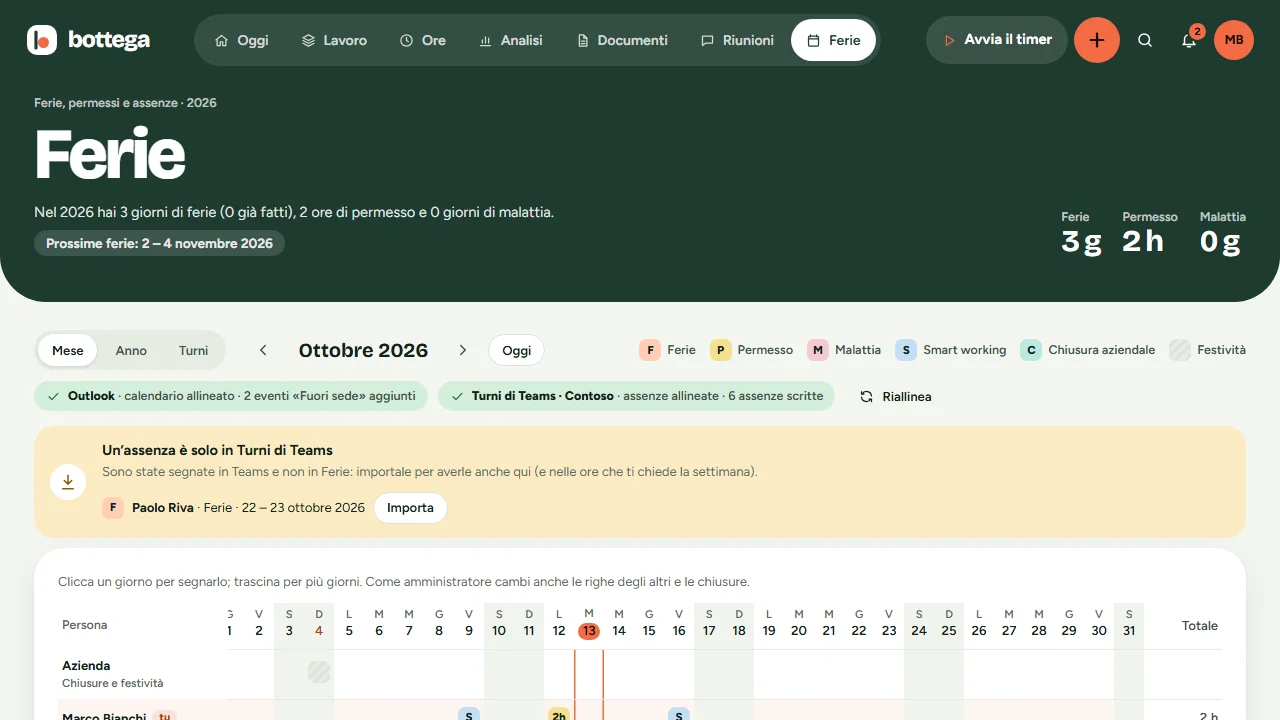
Screens with sample data.
Coding agents work on bottega through its MCP server, on a person's behalf and with their permissions.
The agent asks bottega for its tasks, or for the next one to do: keys look like PRG-142.
With start_work no other agent touches it, and it receives the brief: what to do, the acceptance criteria, the meeting it comes from, the questions already answered, the rules of the area.
It declares the files it changes; when something is unclear it asks a question instead of guessing, and links the pull request.
With finish_work the log becomes the description of the draft hours, the line of the client report and the release note, and the task goes to review. Submitting hours, approving and closing stay with people.
The same bottega on a Postgres database of its own, with Google sign-in and a registry of clients, projects and people. It is the one I use every day, with Google Calendar and Gmail, freelance proposals and the showcase of this site: it publishes the projects on the home page.
Leave me a couple of lines and I will write to set up an online demo. I will show you bottega with sample data and, if you use Project Operations, how it connects to your environment.
Contact
Got a project in mind or just want to chat? Reach out on LinkedIn or via email — I always reply.